
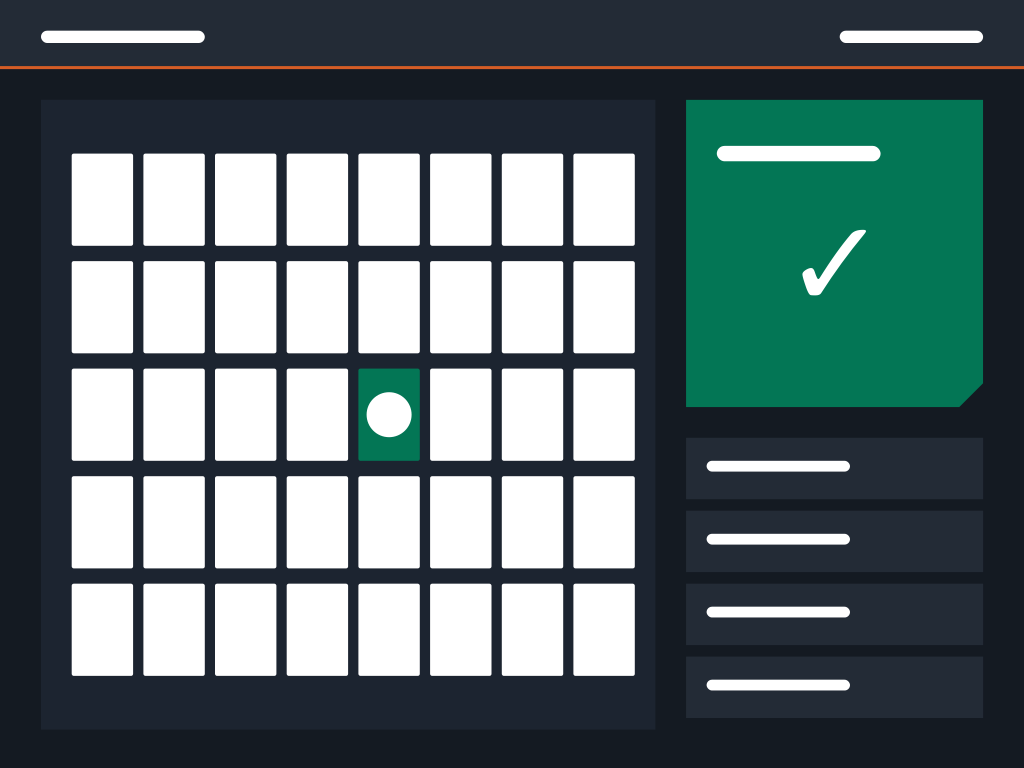
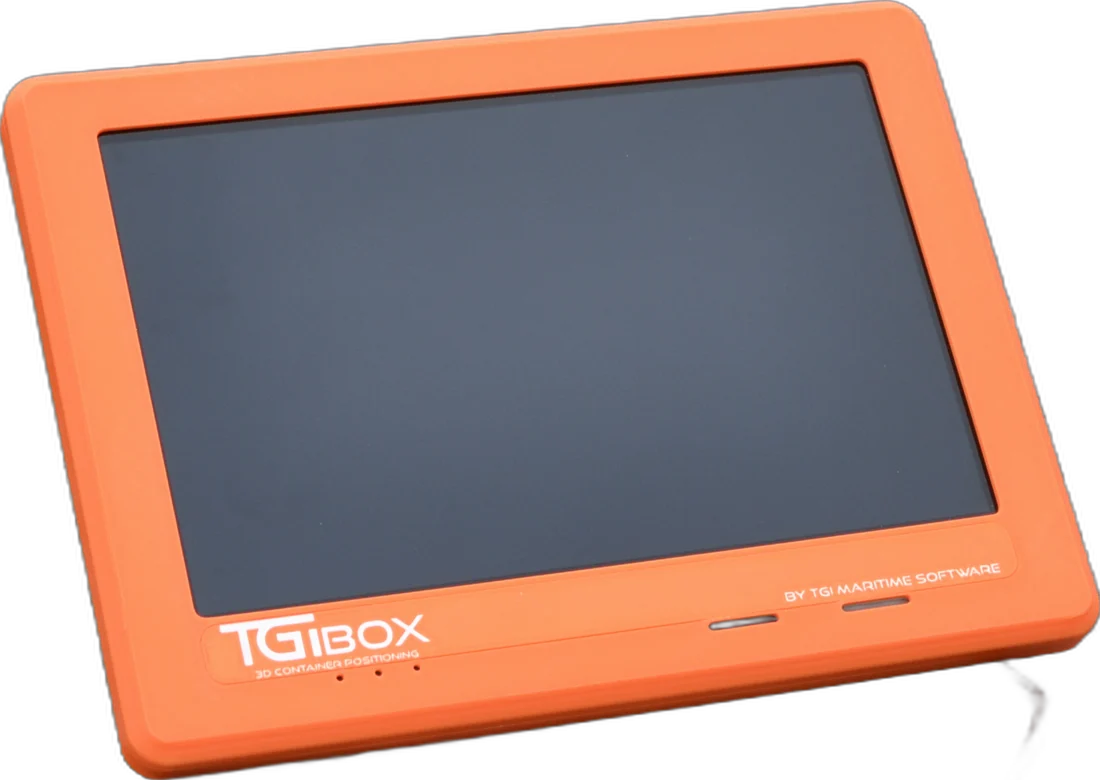
All-in-one
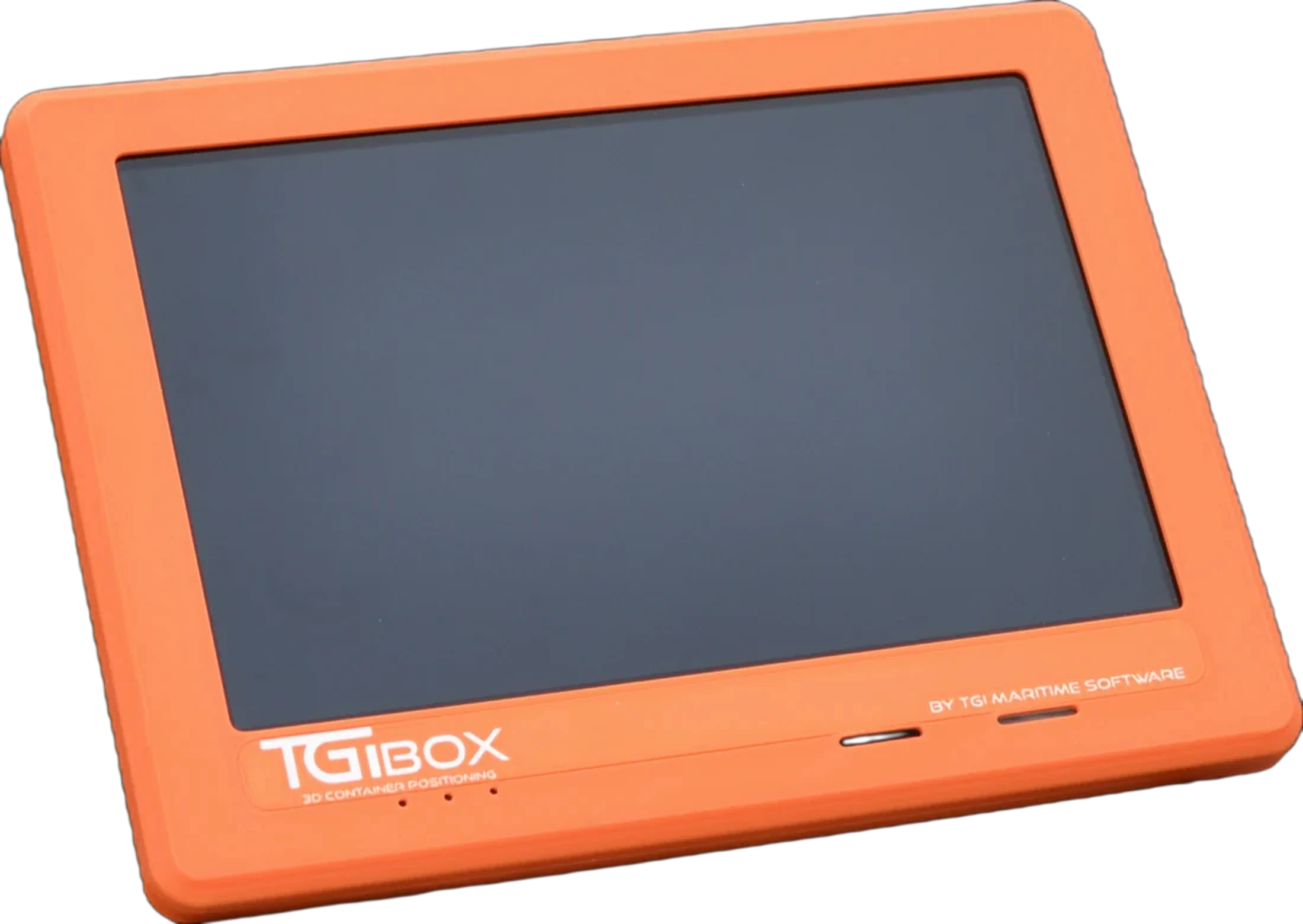
TGIBOX All-in-one
Tablet, router and DGPS combined in one unit for even faster installation.

TGIBOX · 3D Container Positioning
A French-designed on-board unit that transmits each container's exact position to your TOS on locking and unlocking.

Zero data entry
the operator places the container and its position is sent directly to the TOS
Zero stocktakes
the yard updates with every move
Real time
equipment and container positions
Designed in France
designed and developed in Dunkirk
Slide to compare container placement with and without TGIBOX.
Without TGIBOXManual entry
Placement
The operator places the container.
Data entry
They type the position into the in-cab terminal. One action for every move.
Error
A stack or tier is entered incorrectly: the TOS holds a different position.
Search
Someone walks into the yard to find it.
Waiting
The truck waits and the job is delayed.
With TGIBOXAutomatic
Placement
The operator places the container.
Calculation
On unlocking, the 3D position is calculated. 3B · 15 · 2
Transmission
The router sends it to the TOS over Wi-Fi or 4G. Sent
Confirmation
The job is validated without operator input. Confirmed
Departure
The container is where the TOS says it is, and the truck leaves.
Drag the orange slider, or use the keyboard arrow keys.
All-in-one TGIBOX · designed in France
Real time
Speed
Smooth operations, even in poor visibility
Automatic
Container and equipment positions sent to the TOS
No stocktakes
Eliminates physical yard stocktakes
Compatible
OSCAR and most TOS platforms, Wi-Fi or 4G
The film
From satellite signal to TOS confirmation: a container's complete journey through an equipped terminal.
Yard safety
Between stacks and moving equipment, every journey on foot is a risk. When every container's position is reliable, no one needs to walk out to check it.
No more searches on foot
The container is where the TOS says it is: no one has to search between the stacks.
No more physical stocktakes
Inventory updates with every move, without inspection rounds in the yard.
How it works
On locking, TGIBOX combines the three coordinates to locate the container (stack and tier) and transmit its position to the TOS.
XLongitude
RTK DGPS: east–west spreader position
YLatitude
RTK DGPS: north–south position, accurate to the stack
ZHeight
Machine PLC or GPIO: stacking tier
Position A-10-1-1 transmitted to the TOS
Step 1 · On board
Lifting
The spreader locks onto the container and TGIBOX detects it.
Step 2 · Geolocation
Moving
The machine's DGPS position is tracked continuously.
Step 3 · Positioning
Placement
On unlocking, the container's 3D position is calculated.
Step 4 · Network
Transmission
The router sends the data to the TOS over Wi-Fi or 4G.
Step 5 · TOS
Confirmation
The job is validated without operator input.
Simulation: every move updates the yard plan.
Architecture
The machine picks and places containers, TGIBOX identifies the exact position, the network transmits it over Wi-Fi or 4G and your TOS updates the yard, without any operator input.
Scroll down to advance the animation
The machine transmits Lock/Unlock, 20/40-foot size and spreader height via PLC or GPIO; TGIBOX validates jobs (Pick & Place) and the router exchanges them with the TOS over Wi-Fi or 4G.
In the cab and office
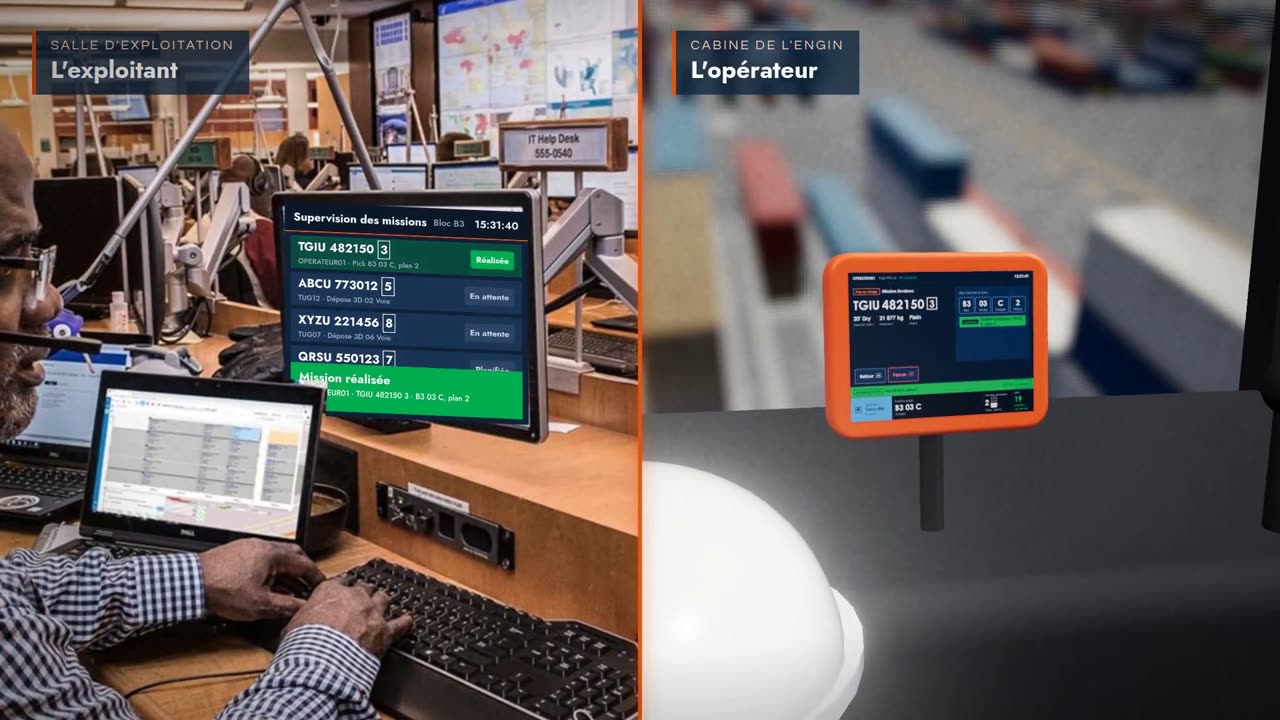
On the left, the operations team in the control room; on the right, the equipment operator in the cab: they see the same job at the same time.

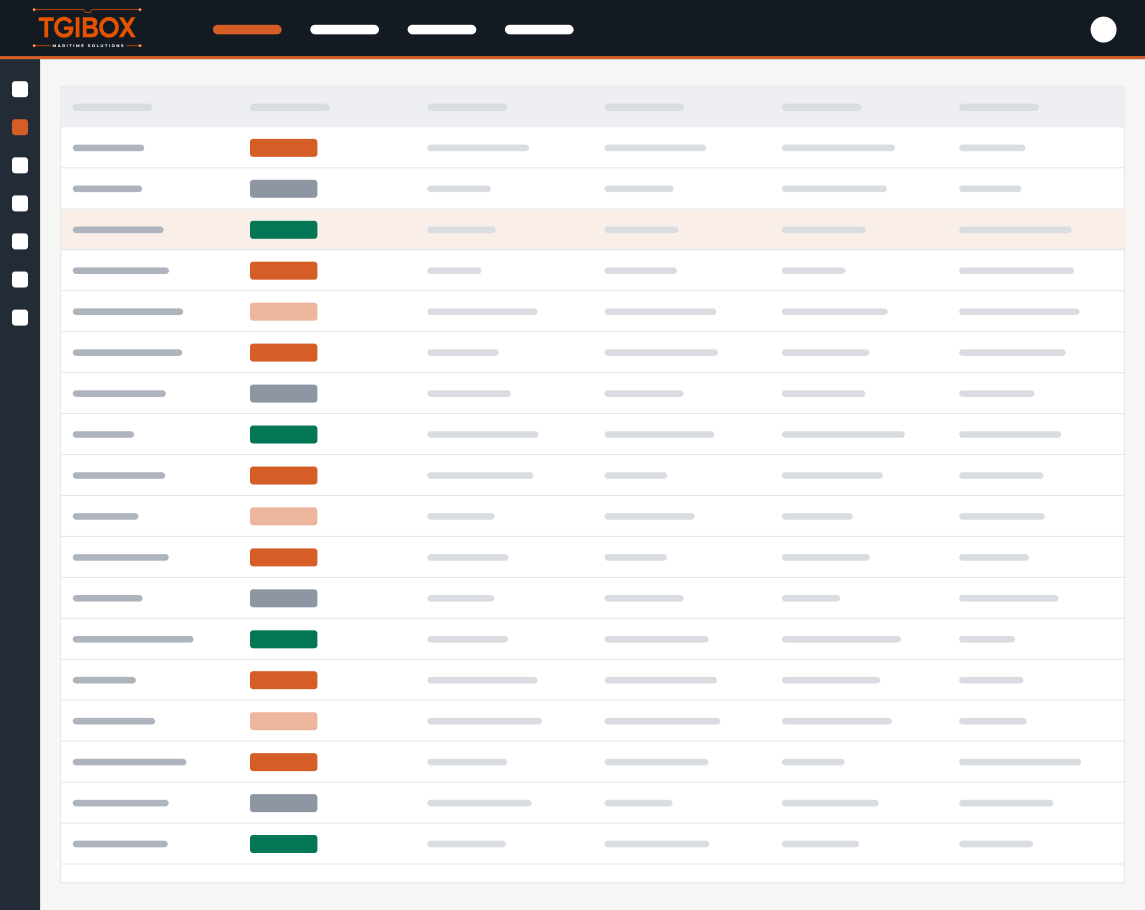
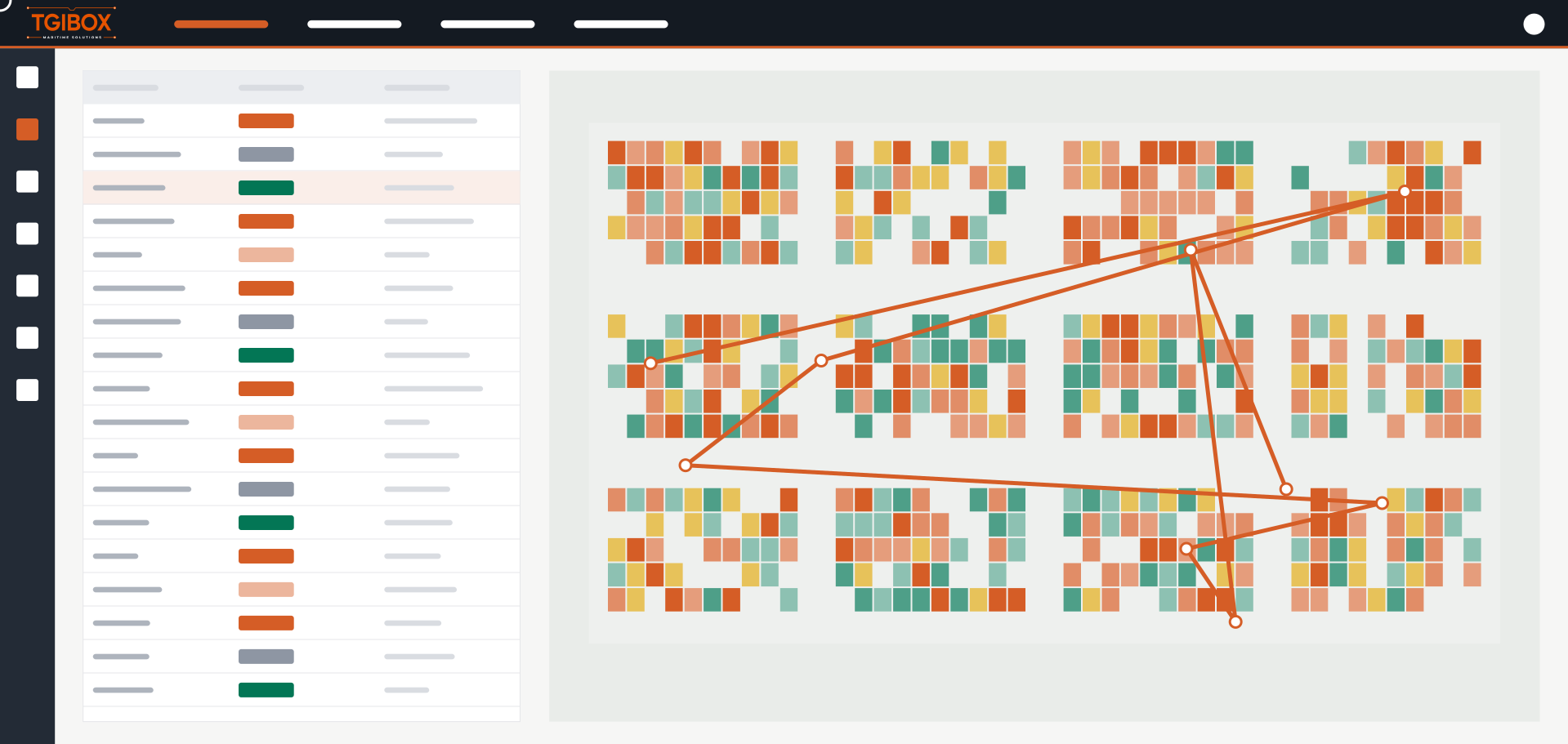
Middleware sign-in
Secure access to fleet tracking.
Try the tablet
Sign in, select a job, lock and unlock: complete a full job just like an operator.
The equipment
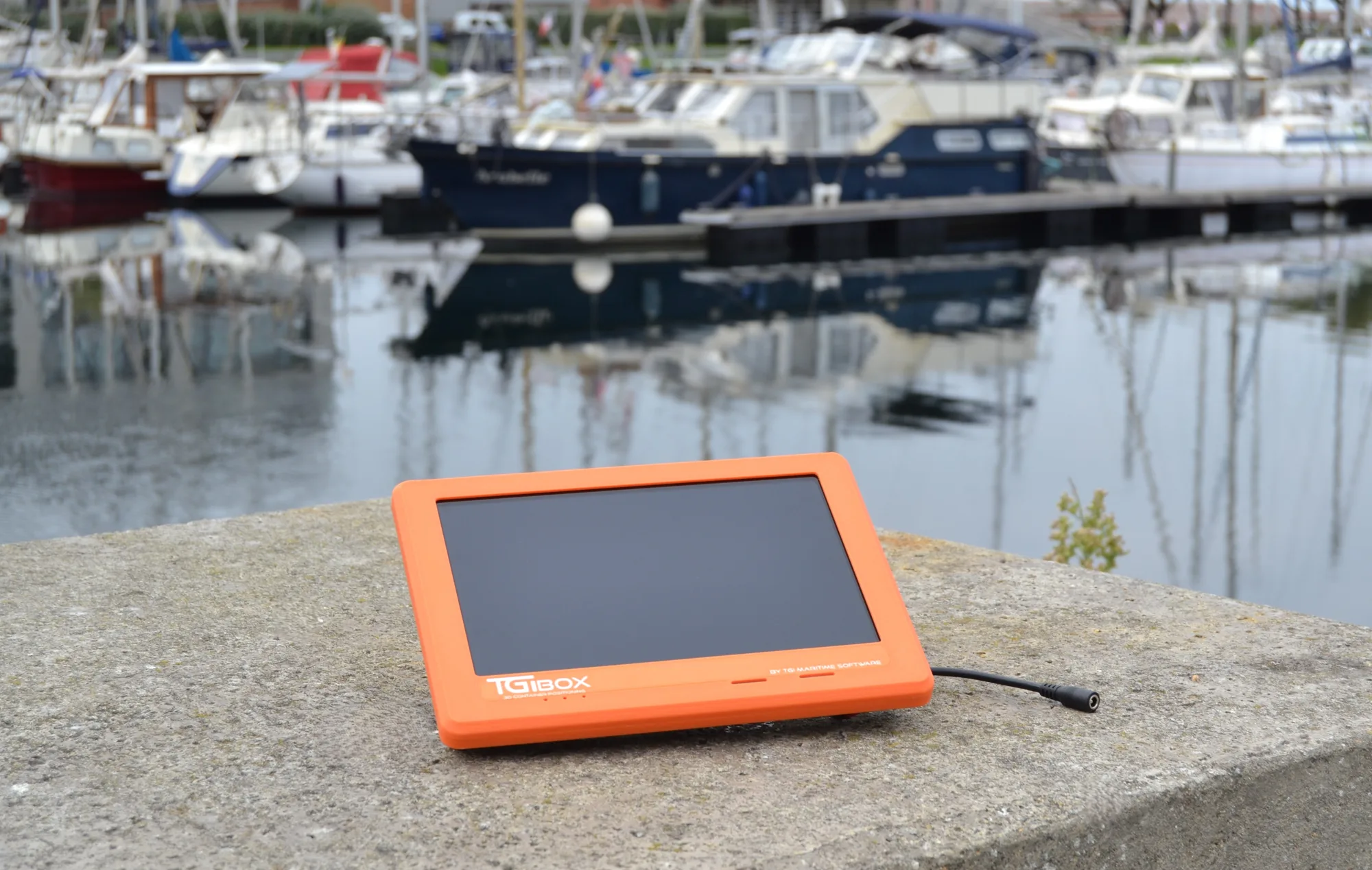 TGIBOX
All-in-one
Tablet, router and DGPS combined in one unit for even faster installation.
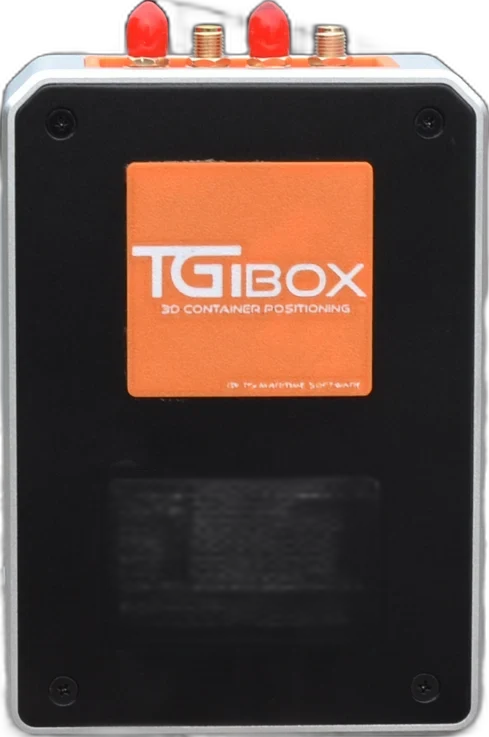
Without a screen
For GPS tracking of equipment and terminal tractors where the operator does not need a yard display.
Equipment-agnostic
Straddle carriers, reach stackers, RTGs or terminal tractors, of any brand: TGIBOX fits all equipment types and transfers easily between machines.
A unit designed for vibration, humidity and salt air.
Encrypted communication between units and TOS.
Replace a unit without lengthy equipment downtime.
Designed and developed in Dunkirk, with integration, configuration, software, support and maintenance all based in France.
TGI Middleware
Developed in France, the Middleware receives positions from every TGIBOX. The yard manager locates equipment, retraces routes and checks every pick and place, stack by stack.
yard stacks displayed on the map
machines and 37 TGIBOX units tracked on one screen
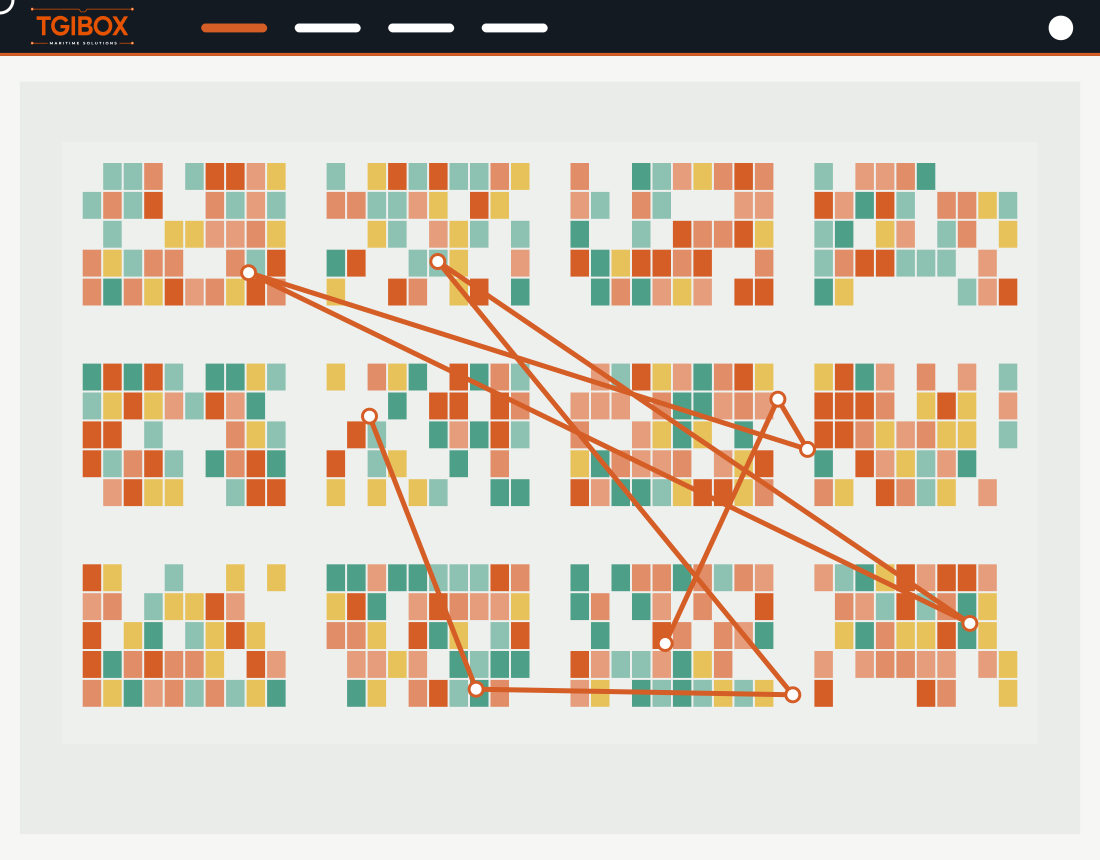
Actual Middleware recording from an equipped terminal. Each point is a position transmitted by TGIBOX; the pop-up shows GPS signal quality (HDOP) and time.
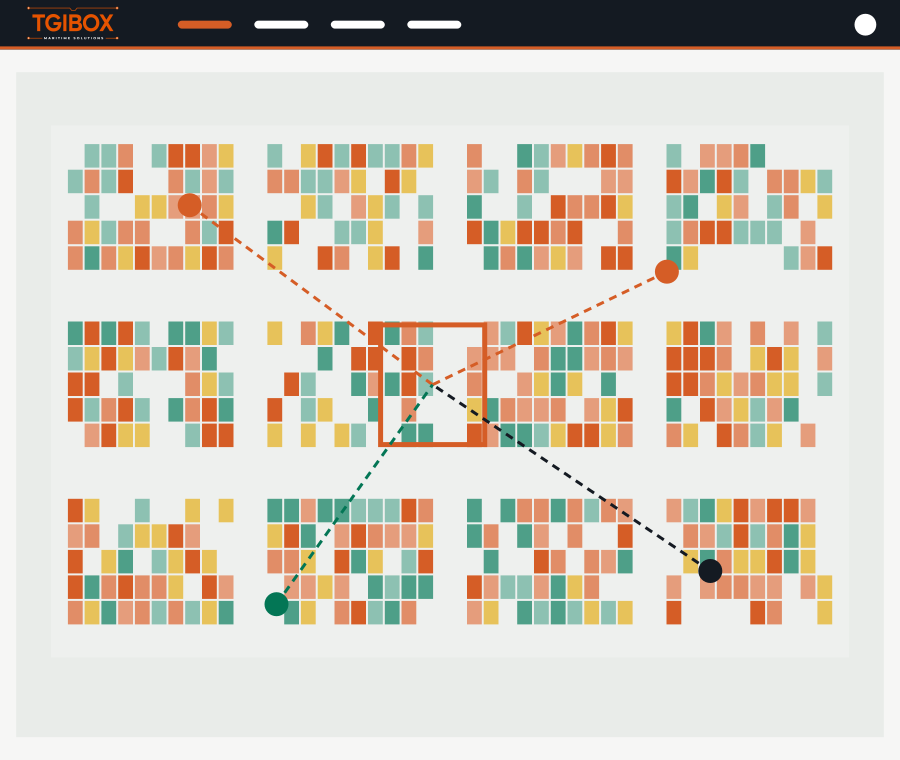
Click a stack: the Middleware lists machines that picked or placed there over the last 24, 48 or 72 hours, week or month.
The latest 50 positions or a selected time range, plotted on the map with the nearest stack to each point.
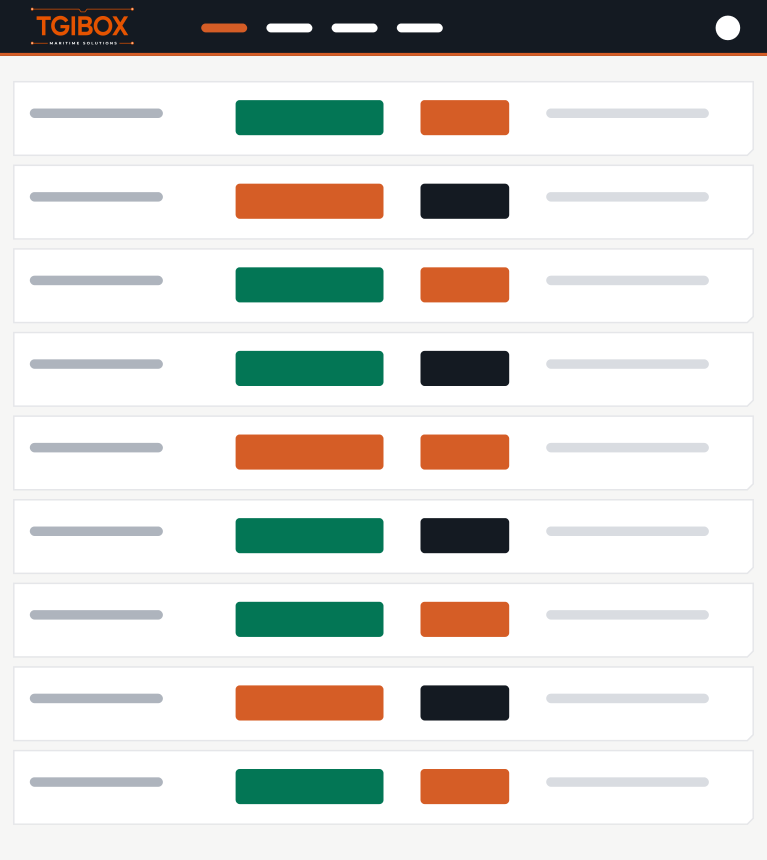
Every spreader lock and unlock, 20- or 40-foot size and equipment movement, timestamped to the second.
Remote diagnostics
Access each TGIBOX's logs without visiting the machine.
Interfaced with the TOS
Container and equipment positions feed into your operating system.
Unit inventory
Machine, unit, screen and latest activity for each system.
By role
Select your role to see the benefits relevant to you.
Continuously accurate inventory
Every pick and place updates the position in the TOS.
Every move counts
No more trips to find or correct a mislocated container.
Geolocated equipment
Track fleet activity in real time.
References
Dunkirk
France
Dunkirk, France
TGI Maritime Solutions
Kribi, Cameroon
Operational site
Owendo, Gabon
Operational site
Réunion
Operational site
French Guiana
Deployment in progress
Case study
After equipping its fleet, the terminal gained speed and reliability on every move and easy access to up-to-date yard records.
−90 %
location errors
−12 s
per container move
0
scheduled physical stocktakes
< 1 year
return on investment
Figures based on customer feedback.
Your benefits
Enter your activity levels. Savings assumptions can be adjusted.
Your activity
Assumptions
3,216hours
returned to operations each year
Default values are illustrative; replace them with your measurements. Final figures are established during the pilot.
FAQ
No. TGIBOX interfaces with OSCAR and most TOS platforms capable of receiving DGPS positioning data.
Most types and brands of container handling equipment: straddle carriers, reach stackers and RTGs. TGIBOX Light also provides GPS tracking for terminal tractors.
No. TGIBOX runs on your existing Wi-Fi or 4G network, or on a network we install.
DGPS RTK correction provides stack-level positioning accuracy; spreader height, transmitted by the machine, determines the stacking tier.
It depends on the number of machines; installation is scheduled machine by machine to avoid disrupting operations, and the unit transfers easily between machines.
Demonstration
Tell us about your organisation, volumes and pain points: a TGI expert will scope your needs and tailor a demo to them.